Using Flipper AI
Workspace admin
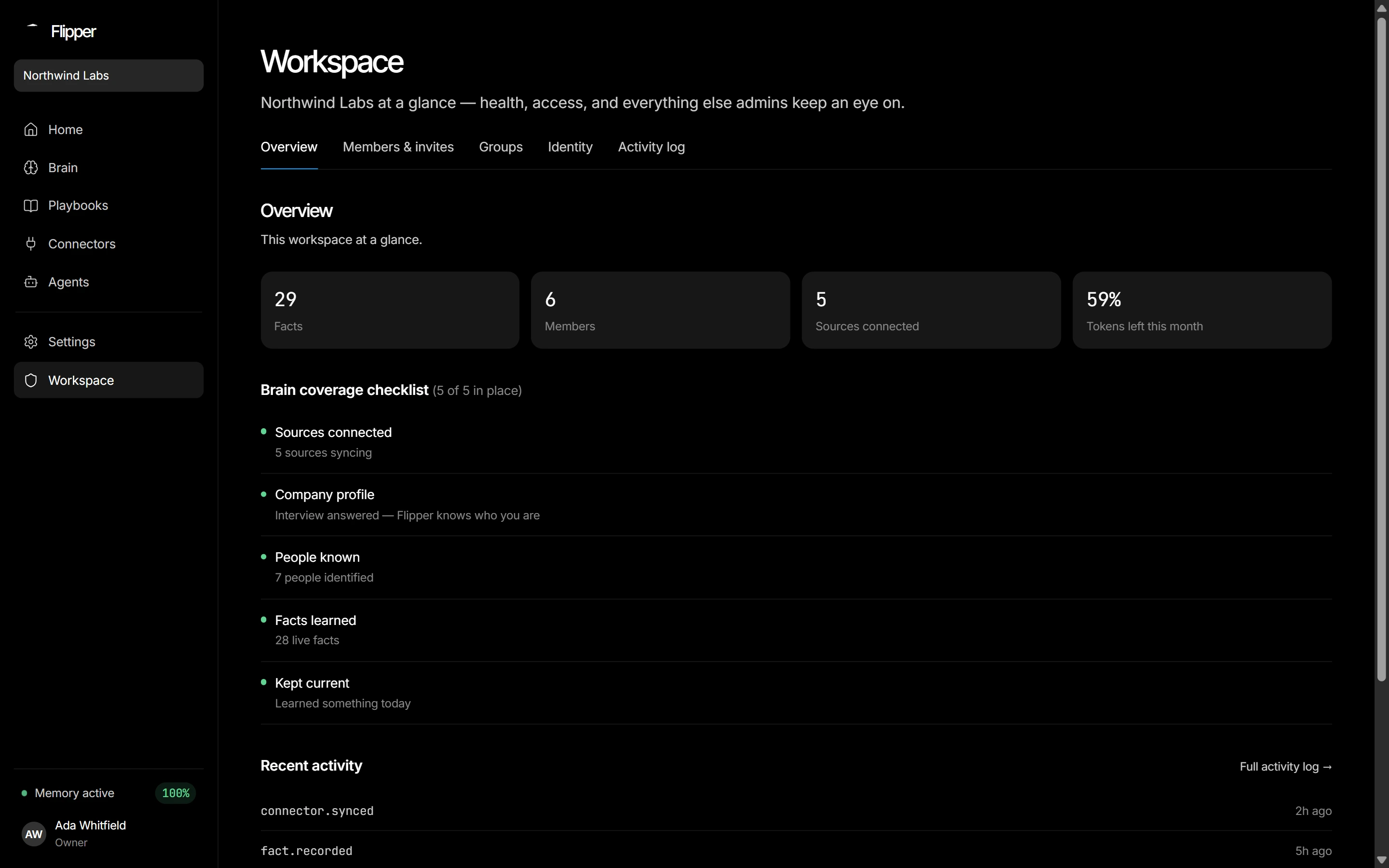
The Workspace screen is owner- and admin-only, split into tabs that each govern one part of who gets in and what they can see.
The tabs
TabWhat it controls
OverviewFacts, members, sources, budget left, and the brain coverage checklist.
Members & invitesRoles, removal, pending invites and the shareable join link.
GroupsThe departments Flipper AI files content under. They don't limit who sees it.
IdentityDuplicate people, aliases, merges and dismissals.
Activity logThe audit log, filtered and paginated server-side.