GitHub
GitHub connects with a fine-grained personal access token — nothing to register. You name the repositories to read alongside it, because the token's own selection does not narrow what GitHub's API hands back. It reads issues, pull requests and the conversation on them.
- 1Create a fine-grained token
At github.com/settings/personal-access-tokens/new, name it Flipper AI, set the resource owner to your organisation, and under Repository access pick the repositories your team works in — up to 100. This is what grants access to private repositories, so get it right — but it does not restrict public ones, which is why the last step asks again.
- 2Grant two read-only permissions
Under Repository permissions set Issues and Pull requests to Read-only. GitHub adds Metadata automatically. Nothing with write access is needed.
- 3Paste it into Flipper AI
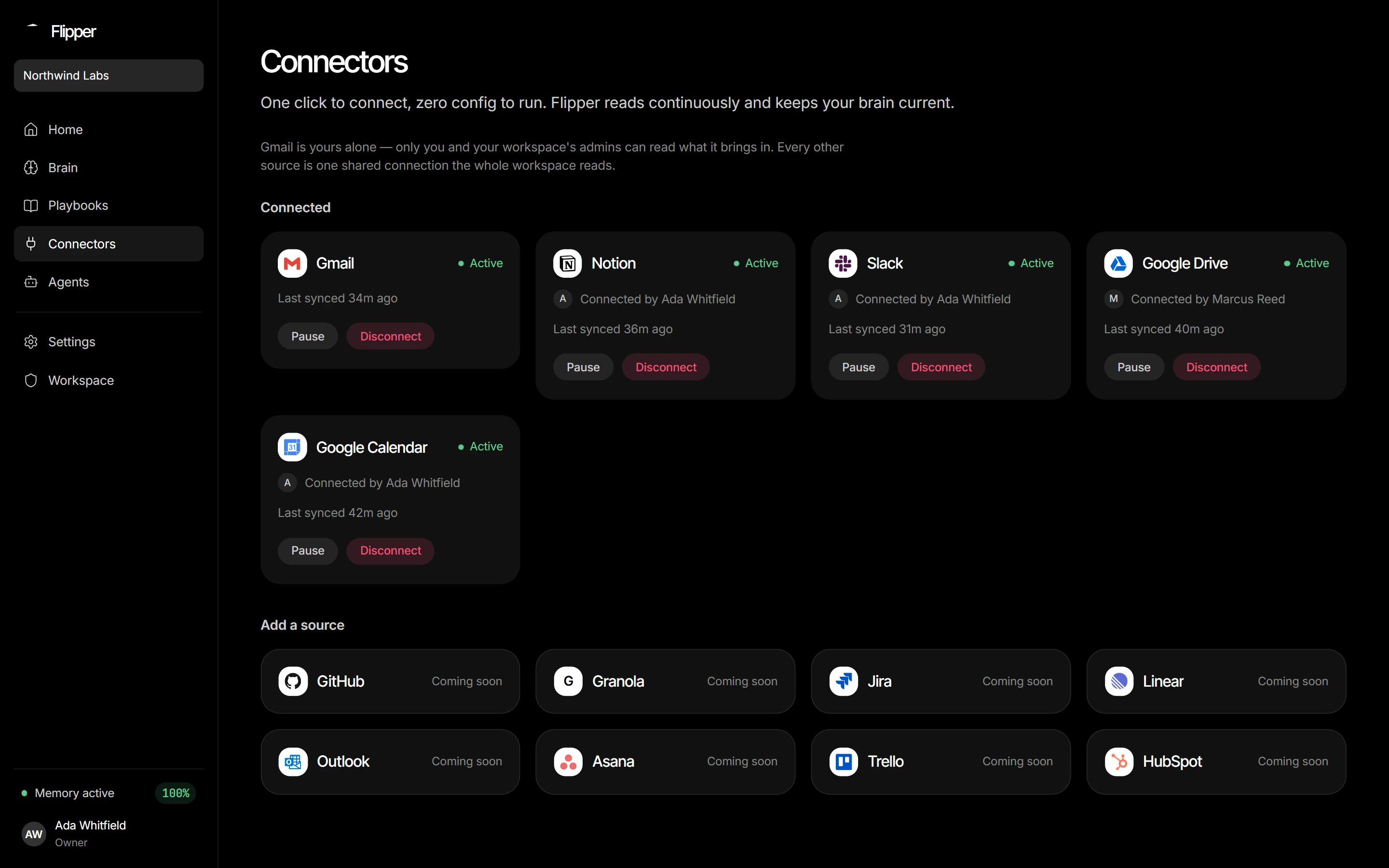
Connectors → GitHub → connect, and name the repositories to read as
owner/repo, separated by commas. Flipper AI checks it can read each one before storing anything, so a typo is an error now rather than a repository that quietly never syncs.
What it reads
Issues and pull requests — title, description, state (open, closed or merged), labels and assignees — and the conversation comments on both. Each comment is its own episode with its own author and time, because the decision in a thread is usually in a reply, not the description. Anything opened or written by a bot (Dependabot, Renovate, CI) is skipped.
Not read: code, commits, inline review comments, releases or wikis.
GitHub's per-repository permissions don't carry over: everything the token can read — private repositories included — becomes readable by every member of the workspace. Scope the token to what the whole team may see.