
Slack
Slack is the highest-signal source most teams have: decisions get made in threads and never make it into a document.
Connect
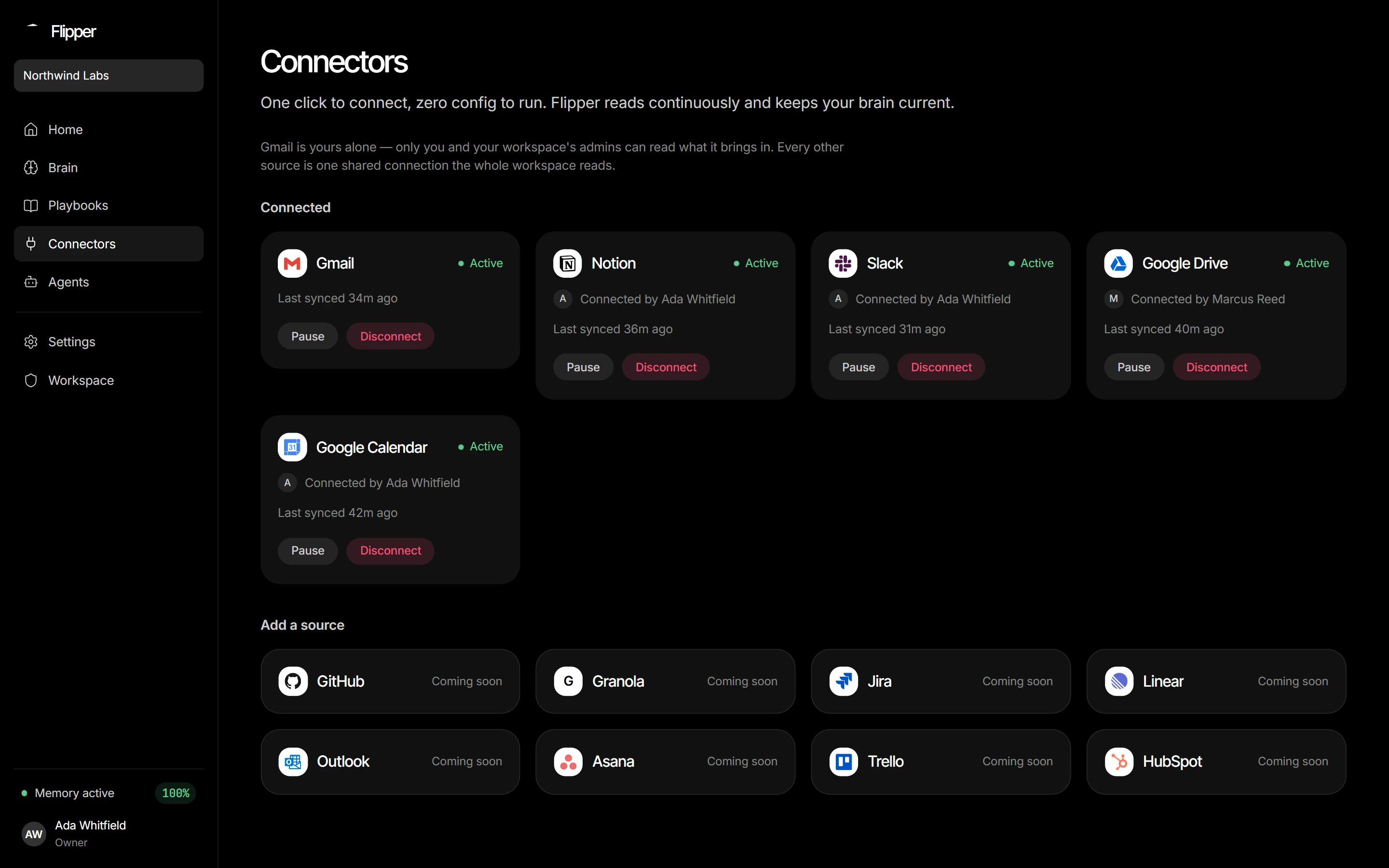
In Connectors, pick Slack → Connect and approve. Flipper AI asks for exactly three read-only scopes: channels:history, channels:read, users:read — enough to read public channels and map user ids to names. It cannot read DMs or private channels, and it never posts.
Real-time instead of hourly
Flipper AI can subscribe to Slack's Events API so a message becomes a fact in under a minute, with polling still there as fallback. On the hosted instance this is already on.
Self-hosting your own Slack app
The hosted instance ships a Slack app; a self-hosted Flipper AI needs its own. Create one, add the three scopes above, set the redirect URL to <your-api>/api/connectors/slack/callback, and set SLACK_CLIENT_ID, SLACK_CLIENT_SECRET and SLACK_REDIRECT_URI — Slack compares the redirect character for character.