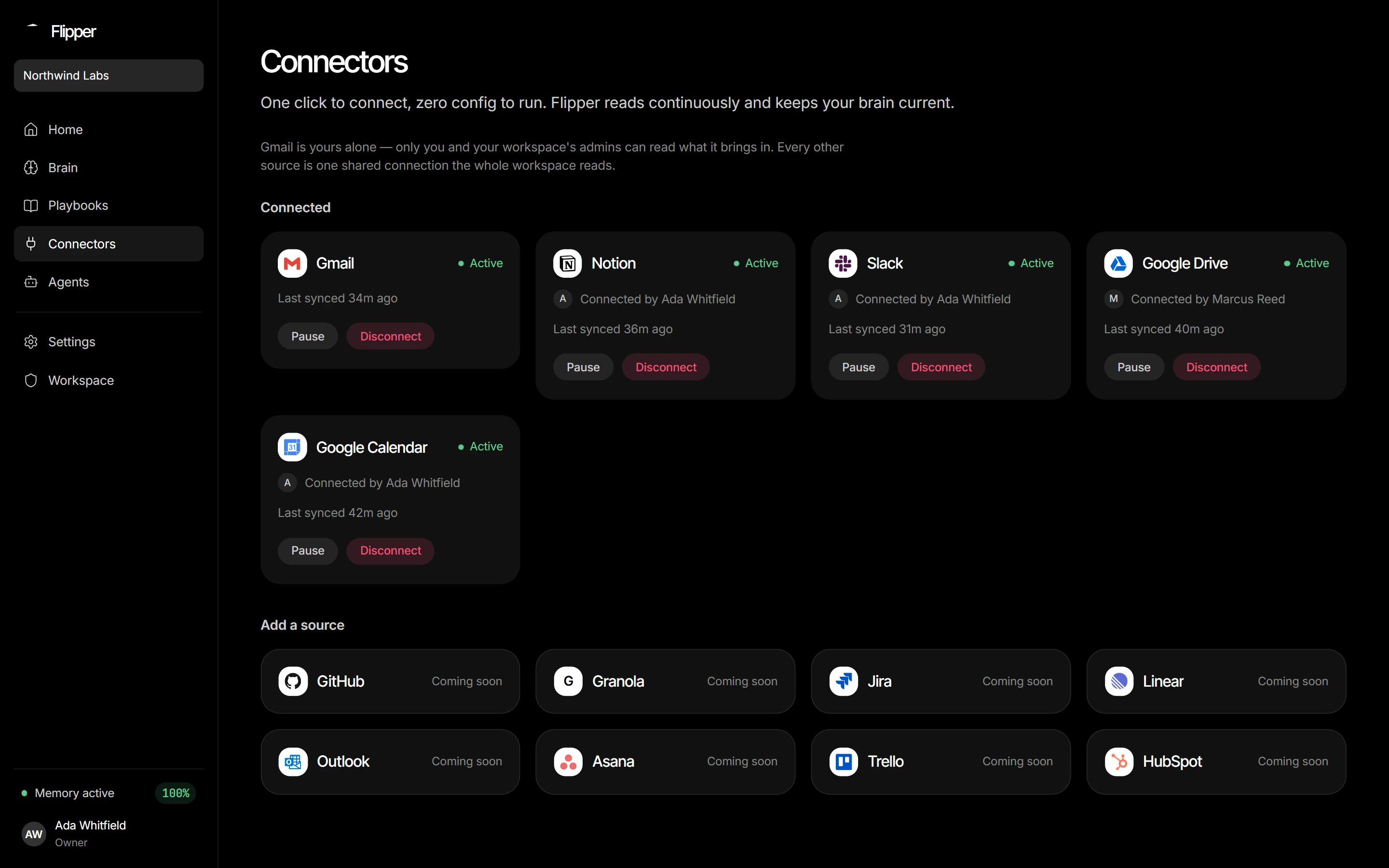
Connectors
Notion
Notion is the one connector that uses a pasted token instead of OAuth, and it only ever reads pages you explicitly share with it.
- 1Create an internal integration
At notion.so/my-integrations, create an Internal integration named Flipper AI with Read content capability only. Copy the secret — it starts with
ntn_(older ones start withsecret_). - 2Share your pages with it
A fresh integration can see nothing until you grant access. On each top-level page or database:
•••→ Connections → Connect to → Flipper AI. Sub-pages inherit. - 3Paste the token into Flipper AI
Connectors → Notion → paste → connect. Flipper AI validates immediately, reads every page shared with it, then polls hourly.